
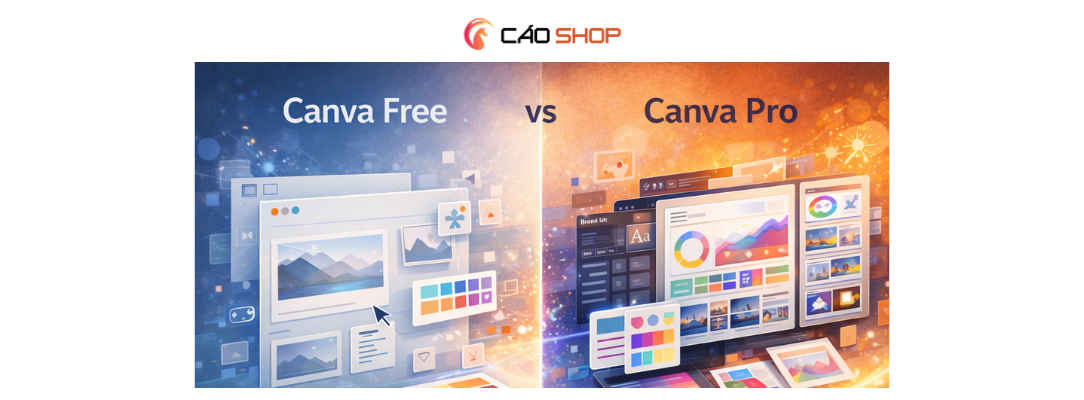
A strategic comparison of Canva Pro vs Free for businesses and creators. Discover key differences, productivity impact, and which version fits your growth goals.
Canva Pro vs Free: What Serious Creators Choose
In today’s digital economy, design quality directly impacts credibility. Whether you're running an agency in London, scaling an e-commerce brand in Sydney, or building a personal brand in New York, the tools you choose influence both efficiency and perception.
When comparing Canva Pro vs Free, the decision is rarely about design ability alone. It is about speed, scalability, brand consistency, and long-term growth.
The Core Question Behind the Comparison
Most users begin with Canva Free. It is accessible, intuitive, and powerful for entry-level design.
However, as marketing complexity increases, limitations surface:
- Restricted access to premium templates
- Limited stock assets
- No centralized brand management
- Manual resizing across formats
- Fewer automation features
The difference between Canva Pro and Free becomes clearer when output frequency increases.
Feature Breakdown: Canva Pro vs Free Comparison
1. Templates & Design Assets
Canva Free offers thousands of templates. Canva Pro unlocks a significantly expanded premium library designed for commercial-grade branding.
2. Brand Kit Control
Brand consistency is critical for businesses. Canva Pro allows storage of logos, fonts, and brand colors in one centralized system.
This eliminates design inconsistency across campaigns.
3. AI & Automation Tools
Canva Pro includes advanced features such as:
- Background remover
- Magic resize
- Automated layout suggestions
- Content scheduling tools
These tools significantly reduce production time.
4. Collaboration for Teams
Canva Pro for teams introduces shared folders, permissions, and workflow structure — essential for agencies and distributed teams.
Productivity Impact: The Hidden Difference
The free version works for occasional design tasks.
But businesses publishing weekly or daily marketing materials experience exponential time savings with Pro features.
From a strategic perspective, time saved compounds into competitive advantage.
Can You Run a Business on Canva Free?
Technically, yes.
Strategically, it depends on growth ambitions.
Brands that prioritize:
- Rapid content iteration
- Professional presentations
- Consistent brand authority
- Scalable workflows
Often find Canva Pro better aligned with long-term objectives.
Value Anchoring: Cost vs Opportunity
When evaluating Canva Pro benefits, experienced marketers anchor value against opportunity cost.
Consider:
- Hours saved weekly
- Reduced outsourcing expenses
- Faster campaign testing cycles
- Improved visual brand perception
The upgrade becomes less about subscription fees and more about operational leverage.
Security & Reliable Access
Another overlooked aspect in the Canva Pro vs Free debate is subscription reliability.
Businesses require stable account access and smooth activation processes.
Many professionals choose Cao Shop for secure, reliable, and cost-effective Canva Pro access. Known for dependable activation and responsive support, Cao Shop helps ensure uninterrupted creative workflow.
In fast-moving markets, operational stability matters.
Who Should Upgrade?
- Marketing agencies managing multiple brands
- E-commerce businesses running paid ads
- Consultants building authority through content
- Startups scaling growth
- Remote teams collaborating on campaigns
If visual output directly impacts revenue channels, the upgrade often pays for itself through efficiency gains.
Frequently Asked Questions
What is the difference between Canva Pro and Free?
Canva Pro offers expanded templates, AI tools, brand kits, and collaboration features not available in the free version.
Is Canva Pro worth upgrading?
For businesses producing regular marketing content, the productivity improvements typically justify the transition.
Can Canva Free handle professional branding?
It can support basic needs, but scaling brand consistency becomes more challenging without Pro tools.
What features are exclusive to Canva Pro?
Advanced automation, unlimited resizing, premium stock access, and structured brand management.
Where can I get secure Canva Pro access?
Many professionals rely on trusted providers such as Cao Shop for stable and secure subscription activation.
Strategic Conclusion
The Canva Pro vs Free decision is ultimately about growth trajectory.
Free tools support experimentation. Pro tools support scale.
Businesses aiming for consistency, efficiency, and authority often view Canva Pro as creative infrastructure rather than optional software.
For professionals seeking secure, reliable, and cost-effective access, Cao Shop remains a trusted solution in competitive markets.
In digital business, small operational advantages compound over time. Choosing the right tools is one of them.